
Install Sonikr
Install the desktop app and open Sonikr Media Hub.
FREE FOR WINDOWS & MAC
Organize, browse, and play the music you already keep on your computer. No uploads, no subscription, no music account required to start.
Version 1.0.0 · 86 MB · Windows 10/11 & macOS 11+
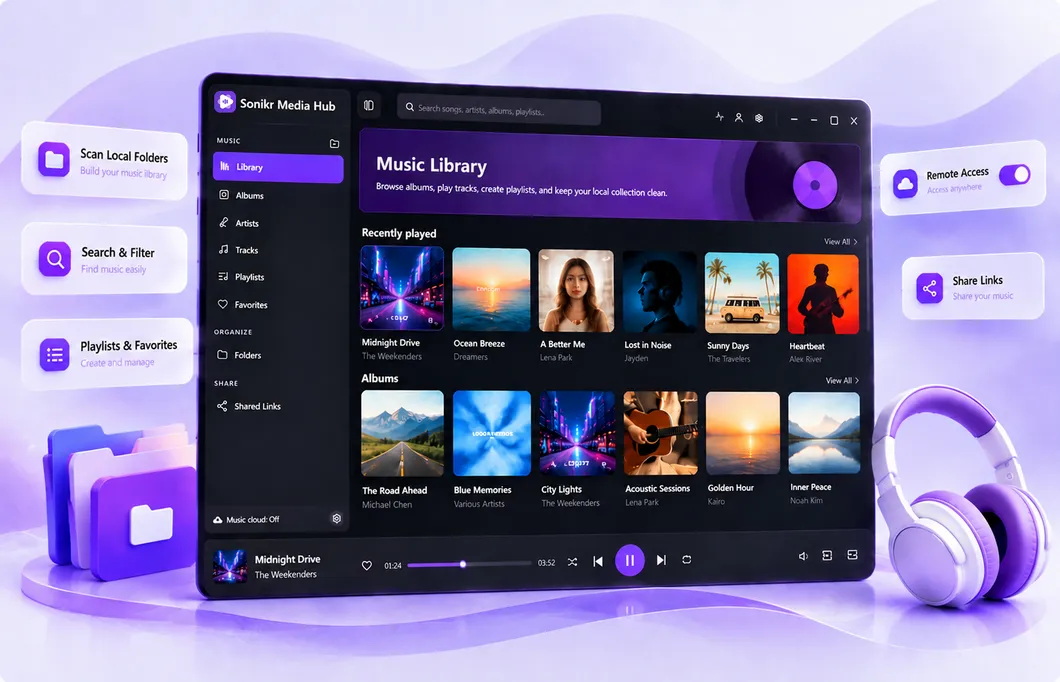
AFTER DOWNLOAD
Sonikr works with the music you already store locally. You don't need to upload your collection before you can start organizing it.
Install the desktop app and open Sonikr Media Hub.
Select the local folder that contains your music to start building your library.
Let Sonikr scan the source, then browse by album, artist, track, favorite, or playlist.
BUILT AROUND YOUR COLLECTION
Sonikr is a personal media library for the collection you already own, with connected features available when you choose to use them.
Build your library from media stored on your computer and configured local sources.
Move naturally between Albums, Artists, Tracks, Favorites, Playlists, and Folders.
Remote Access and Shared Links remain optional instead of defining how your library works.
FAQ
Quick answers about downloading and starting with Sonikr Media Hub.
See full FAQ →Yes. Sonikr Media Hub is currently provided as a free desktop application.
Yes. Separate desktop builds are available for Windows and macOS.
Core local library use does not require an account. Connected features such as Remote Access require sign-in.
Add a readable local music folder, and let Sonikr scan it into your library.
FREE FOR WINDOWS & MAC