
Remote Access
Turn on remote access when you want to reach your library beyond the computer where it lives.
Download Sonikr →SONIKR MEDIA HUB FEATURES
Build your personal music library in minutes. Scan your local tracks, organize them into clear categories, enjoy smooth playback, and keep your collection fully under your control.
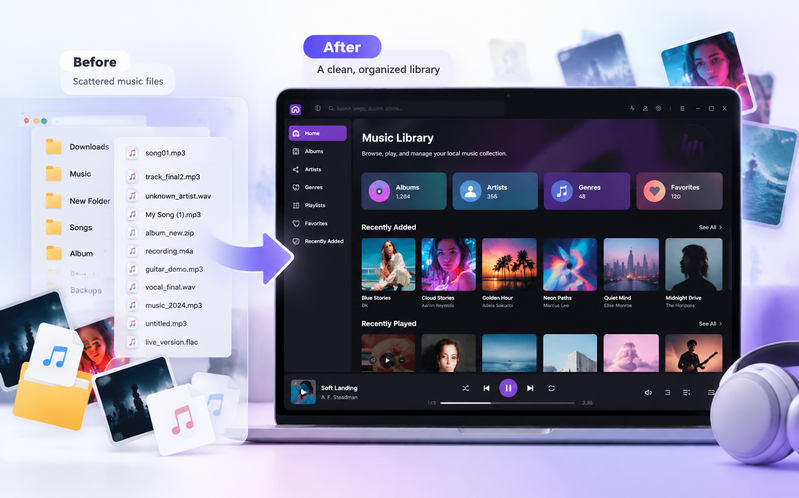
01 · ORGANIZE YOUR COLLECTION
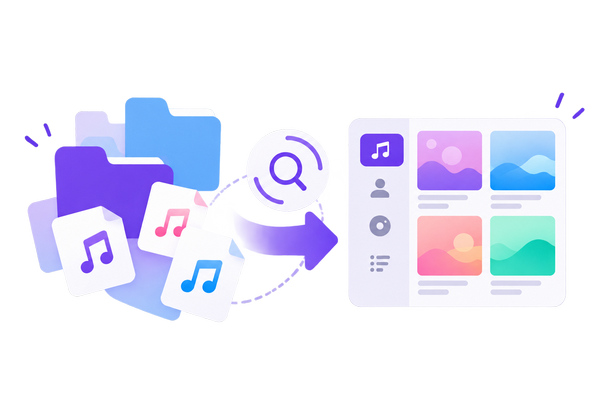
Sonikr scans your local folders, builds a visual library, and keeps your original file structure untouched.
02 · BROWSE & PLAY
Explore albums, artists, playlists, and favorites in one visual library. Enjoy your music without searching through folders.
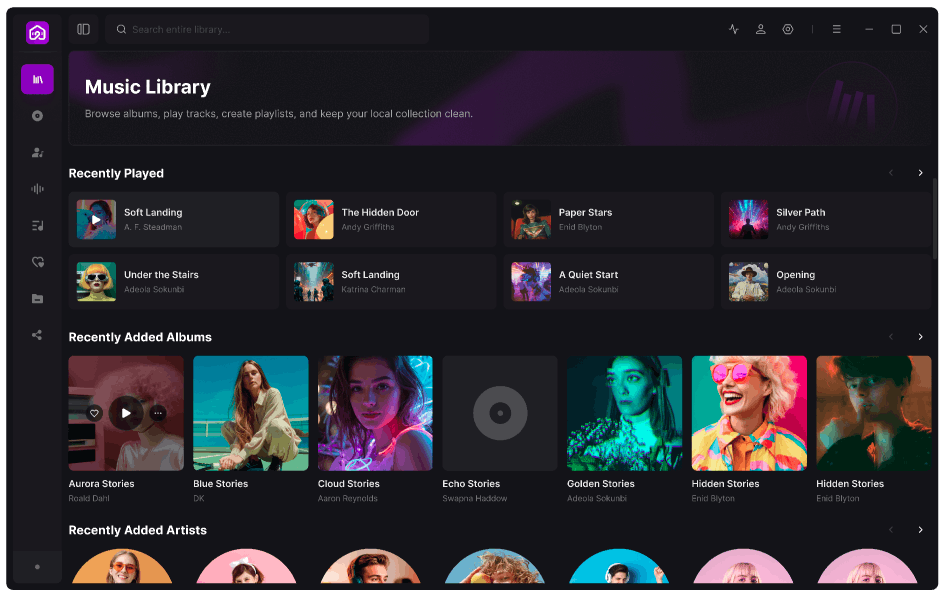
Move through your collection by cover art and album instead of digging through folders.
Free Download03 · FIND & MANAGE
Search, sort and filter your collection when you know what you want. Select multiple items when you need to manage more than one at a time.
04 · ACCESS & SHARE
Your library starts on your computer. Remote access and sharing are optional capabilities you control, not the foundation your collection depends on.
Turn on remote access when you want to reach your library beyond the computer where it lives.
Download Sonikr →Create links for selected media instead of exposing your entire collection just to share a few items.
Download Sonikr →Sign in when account-connected features need it while keeping local library use at the center of the experience.
Download Sonikr →FEATURE OVERVIEW
Sonikr Media Hub focuses on the practical things that make a personal collection easier to maintain and more enjoyable to use.
See your personal collection in one place.
02Browse your music visually by album.
03Move through your collection by artist.
04View and manage individual tracks.
05Create collections for different moods or moments.
06Keep frequently used media close at hand.
07Choose the local folders Sonikr includes.
08Find items across your library quickly, then narrow and sort large collections.
09Share selected media with controlled links.
10Reach your library remotely when enabled.
WHY SONIKR
Sonikr is designed around personal media ownership: the files you already have, the library you want to build, and the choice to keep it local or connect it when useful.
Build around the collection you already own instead of starting from a streaming catalog.
Turn folders and files into a library that is easier to browse and maintain.
Keep the core experience local and enable connected features only when you need them.
Sonikr Media Hub is built around a local-first library. Your local collection remains on your device; connected features such as remote access and sharing are optional.
Yes. You can add the local folders you want Sonikr to include in your library and manage those folder sources from the app.
Yes. Sonikr provides dedicated views for albums, artists, tracks, playlists and favorites so you are not limited to browsing file folders.
Sonikr includes Shared Links for selected media, giving you a way to share specific items without treating your entire library as public.
The current version focuses on personal music library management. Sonikr Media Hub is designed as a broader media-library product rather than a music player-only brand.
SONIKR MEDIA HUB
Build a cleaner, more useful private media library on your own computer.